How to Dye Leather Armour in Minecraft (Java & Bedrock Guide)
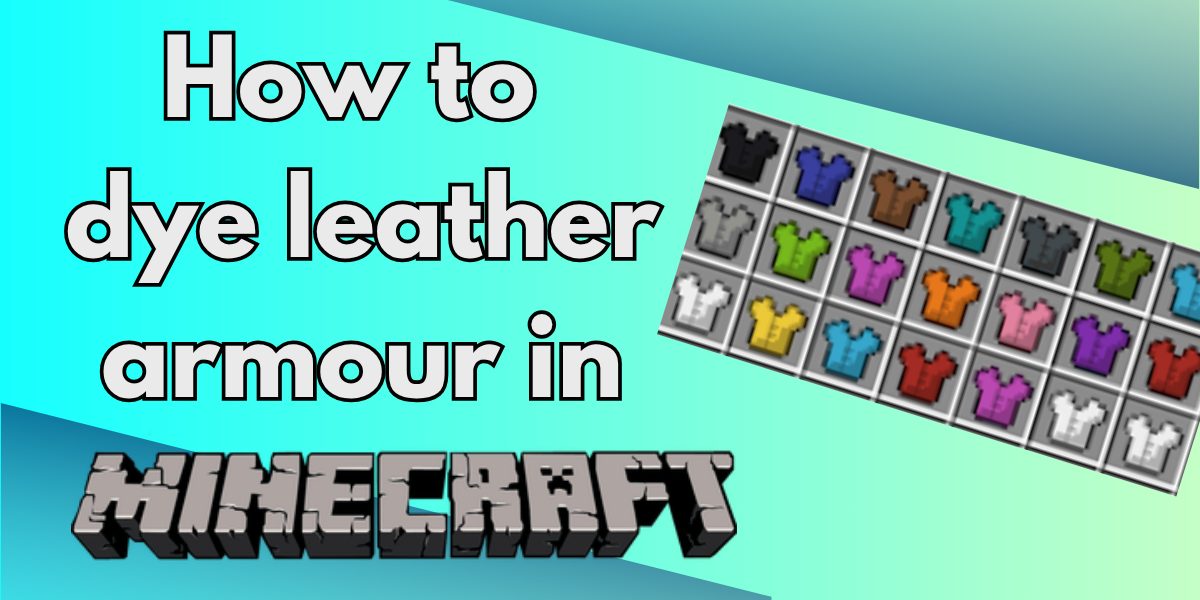
In this guide, we’ll show you how to dye leather armour in Minecraft (also known as leather armor in Minecraft), including Java and Bedrock methods.
If you want to customise your look, learning how to dye leather armour in Minecraft is a must. While leather armour isn’t the strongest, it’s the only armour set you can fully customise with colour—perfect for roleplay, teams, or unique builds.
In this guide, we’ll cover how to dye leather armour, including Java and Bedrock methods, plus how to remove dye and create custom colours.
🧱 Why Only Leather Armour Can Be Dyed
In Minecraft, only leather armour can be dyed:
- Leather Helmet
- Leather Chestplate
- Leather Leggings
- Leather Boots
👉 You cannot dye iron, diamond, or netherite armour.
This makes leather armour the go-to choice for:
- Custom outfits
- Team colours
- Creative builds
🛠️ What You Need to Dye Leather Armour
Before you start dyeing leather armour in Minecraft, gather:
- ✔️ Leather armour pieces
- ✔️ Dye(s) (from flowers, ink, plants, etc.)
- ✔️ Crafting table (Java Edition)
- ✔️ Cauldron + water (Bedrock Edition)
- ✔️ Water bucket (Bedrock)
💻 How to Dye Leather Armour in Minecraft (Java Edition)
The Java Edition method is quick and simple:
- Open your crafting table
- Place leather armour in the grid
- Add one or more dyes
- Take your dyed armour
🎨 You can combine dyes to create custom colours:
- Red + Blue = Purple
- Yellow + Red = Orange
👉 This is the easiest way to dye leather armour in Minecraft Java.
📱 How to Dye Leather Armour in Minecraft (Bedrock Edition)
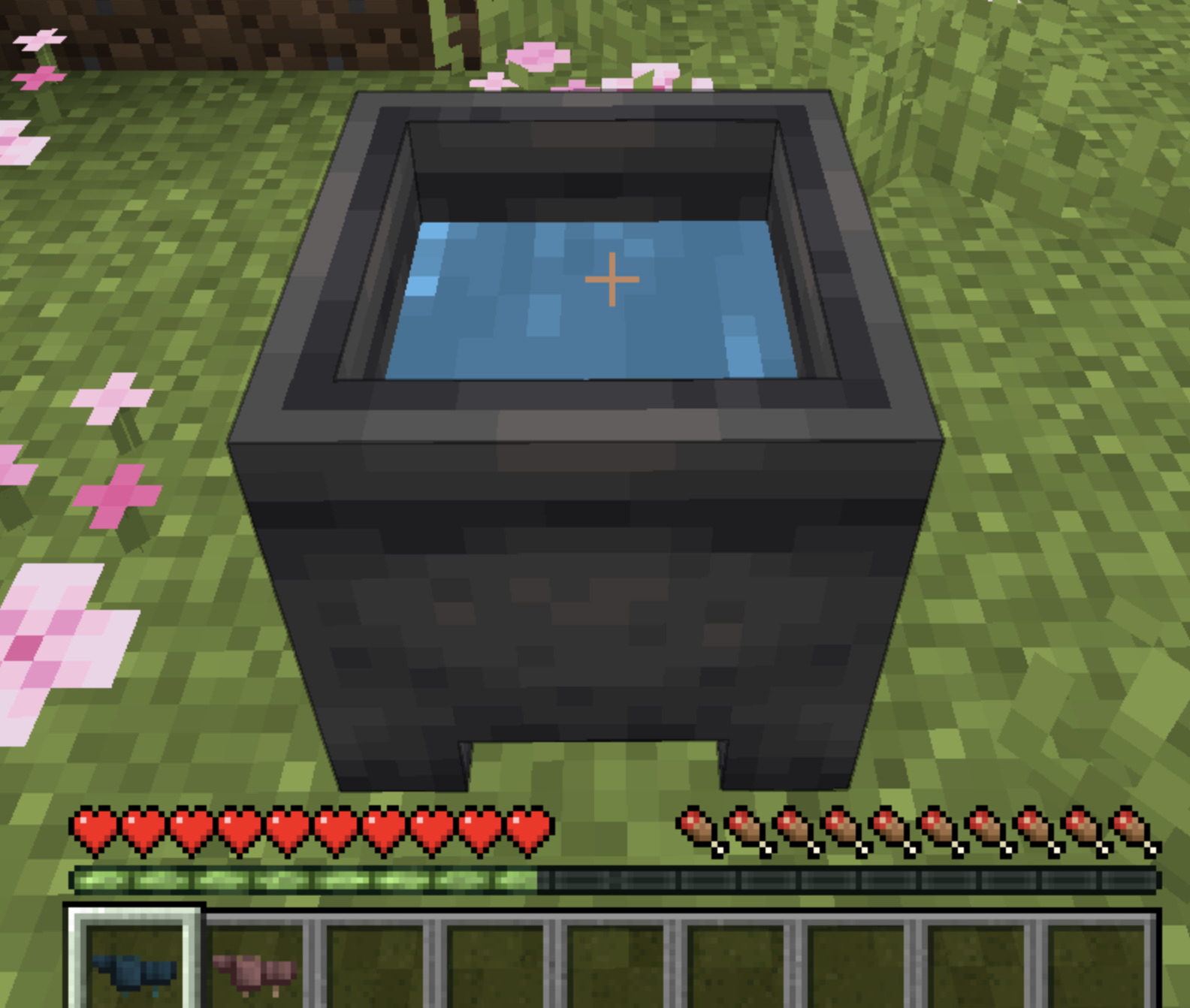
In Bedrock, you use a cauldron instead:
- Place a cauldron
- Fill it with water using a bucket
- Add dye to colour the water
- Use the armour on the cauldron
💡 Each use lowers the water level slightly.
👉 This is the official method for how to dye leather armour in Minecraft Bedrock.
🎨 How to Get Custom Colours
One of the best parts of dyeing leather armour in Minecraft is colour mixing:
- Combine multiple dyes in crafting (Java)
- Mix dyes in a cauldron (Bedrock)
👉 This lets you create hundreds of unique shades.
🧼 How to Remove Dye from Leather Armour
Want to reset your armour?
- Use a cauldron with plain water
- Interact with your dyed armour
👉 This removes all colour instantly.
🧠 Tips for Dyeing Leather Armour
- Use dyed armour for PvP team identification
- Experiment with dye combinations for rare colours
- Match armour with builds or biome themes
- Great for roleplay and custom skins
🎯 Final Thoughts
Now you know how to dye leather armour in Minecraft, you can fully customise your character’s look.
Whether you’re playing on Java or Bedrock, dyeing leather armour is one of the easiest ways to stand out—and it’s surprisingly fun to experiment with different colours.
🧪 Love tips like this?
Bookmark Our Minecraft section and follow us on TikTok, YouTube, and X for more Minecraft magic!
Roisin
Roisin is a lead editor and gaming enthusiast, bringing you the latest news and deep dives into the gaming world.
View all posts