How to Make a Map in Minecraft
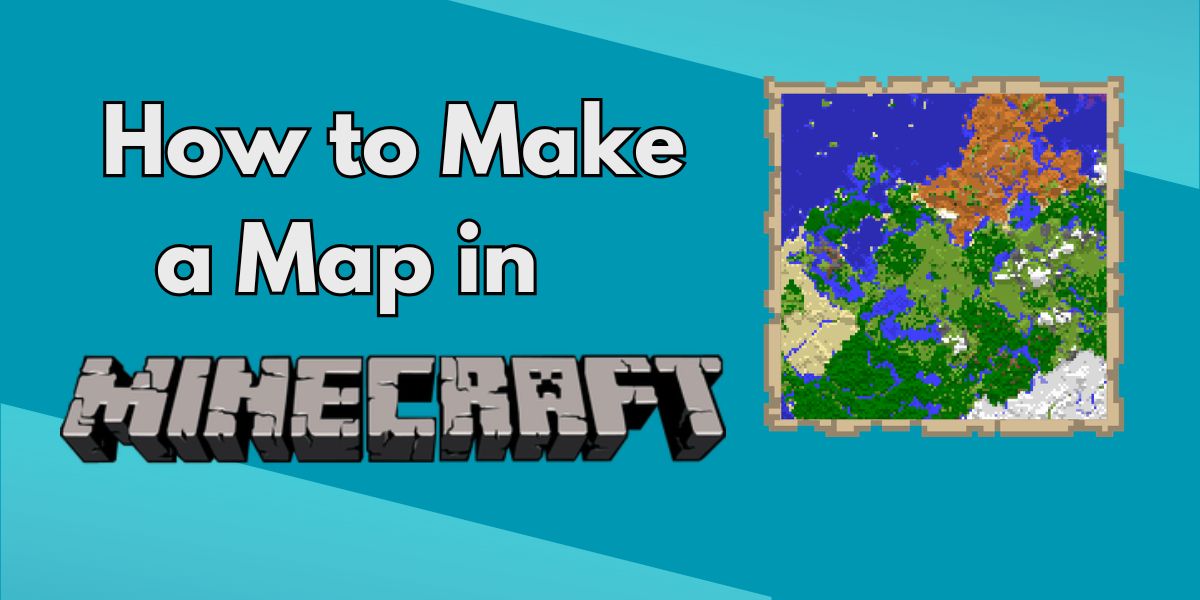
If you keep getting lost or want to track your adventures, learning how to make a map in Minecraft is essential. Maps let you see your surroundings, mark locations, and explore with confidence.
In this guide, we’ll show you how to make a map, how to expand it, and how to use it properly.
🧭 What Is a Map in Minecraft?
A Minecraft map is an item that displays the terrain around you as you explore.
👉 It helps you:
- Navigate your world
- Track explored areas
- Avoid getting lost
- Share locations with friends
🛠️ What You Need to Make a Map
Before crafting a map in Minecraft, gather:
- ✔️ Paper (8)
- ✔️ Compass (1)
📜 How to Make Paper
To get paper:
- Place 3 sugar cane in a row in a crafting table
👉 This gives you 3 paper
🧲 How to Make a Compass
To craft a compass:
- 4 Iron Ingots
- 1 Redstone Dust
Place the redstone in the centre, with iron around it.
🗺️ How to Make a Map in Minecraft

Now for the main step:
- Open your crafting table
- Place the compass in the centre
- Surround it with 8 paper
- Craft the map
👉 You’ll get an Empty Map
🧭 How to Use a Map
Once crafted:
- Hold the map
- Right-click (or tap/use button)
- It will begin drawing your surroundings
👉 As you explore, the map fills in automatically.
🔍 How to Expand a Map
Maps start small—but you can make them bigger.
To expand a map:
- Combine the map with paper in a crafting table
👉 Each upgrade:
- Zooms out
- Covers a larger area
📌 How to Lock a Map (Optional)
If you don’t want your map to change:
- Use a cartography table
- Add a glass pane
👉 This locks the map permanently.
📍 How to Mark Locations
You can mark spots using:
- Banners (Java Edition mainly)
- Named banners show up on maps
👉 Great for:
- Bases
- Villages
- Important locations
⚠️ Common Mistakes
- ❌ Forgetting the compass (needed for a full map)
- ❌ Not activating the map after crafting
- ❌ Expanding too much too early
🎯 Final Thoughts
Now you know how to make a map in Minecraft, you’ll never get lost again.
Maps are simple to craft but incredibly useful—whether you’re exploring new biomes or building a massive world.
👉 Craft one early, and your survival experience becomes much easier.
🧪 Want more Minecraft news and guides?
👉 Bookmark our Minecraft section and follow us for Minecraft tips, tutorials, and guides!
Roisin
Roisin is a lead editor and gaming enthusiast, bringing you the latest news and deep dives into the gaming world.
View all posts