The Ultimate Guide to Minecraft Villagers: Breeding, Trading & Professions
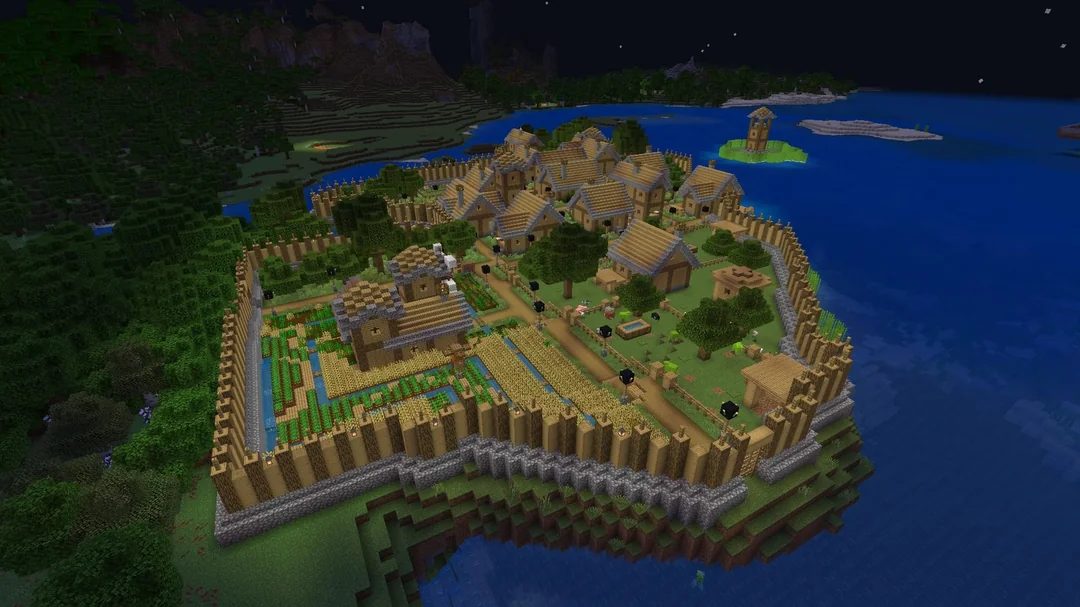
Minecraft is a sandbox game that allows players to explore, create, and experience an open-world environment filled with endless possibilities. One of the most engaging and rewarding aspects of the game is the ability to interact with villagers. These non-playable characters (NPCs) inhabit various villages throughout the world and offer highly valuable resources, services, and dynamic gameplay.
Whether you are looking to set up a massive trading hall, breed a booming population, or simply protect an existing town from the undead, this comprehensive guide covers absolutely everything you need to know about Minecraft villagers.
1. What is a Villager and Where to Find Them?
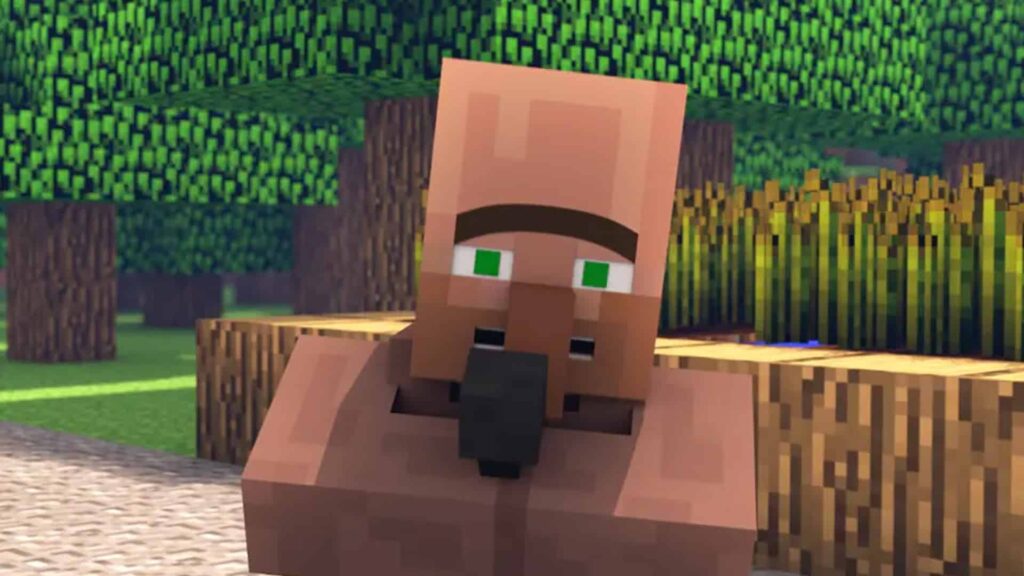
A villager is a passive, human-like NPC that inhabits various v\illages found across the game’s diverse biomes. They are characterized by a very distinct appearance: large heads, long noses, and unibrows. Their clothing is highly dynamic, changing based on both their assigned profession and the specific biome they generated in.
Villagers are incredibly social creatures with complex daily schedules. They tend to wander around their village during the day, visiting different buildings, working at their workstations, and gathering at the village bell to “gossip.” At night or during a raid, villagers will actively seek shelter indoors and sleep in beds to protect themselves from potential threats.
Where to Find Villagers
- Naturally Generated Villages: Villages generate randomly across the map in biomes such as plains, snowy plains, savannas, deserts, taigas, and snowy taigas. Depending on world generation, these villages can also extend and bleed into neighboring biomes like swamps and jungles. A village is populated with unemployed villagers, the quantity of which is determined by the specific buildings within the village (as some structures spawn villagers inside while others do not).
- Igloo Basements: If you find an igloo in a snowy biome, check under the carpet! In the basements of igloos (provided the basement is generated), a cleric villager and a cleric zombie villager can be found trapped behind iron bars.
- Bedrock Edition Note: In Bedrock Edition, the villager and zombie villager occupying igloo basements may have random professions instead of always being clerics. Additionally, a cleric villager down there has the potential to transform into a leatherworker villager if they pathfind closer to the basement’s cauldron.
- Abandoned/Zombie Villages: Occasionally, a village will generate completely abandoned, covered in cobwebs, and populated entirely by Zombie Villagers.
2. Villager Professions & Workstations
Each adult villager in Minecraft can take on a profession that dictates the items they trade and the specific services they offer. A villager’s profession is determined entirely by the “workstation” block they are associated with.
Here is a comprehensive list of all villager professions, their required job blocks, and what they typically trade:
| Profession | Job Block | What They Trade |
|---|---|---|
| Armorer | Blast Furnace | Iron, chainmail, and diamond armor. |
| Butcher | Smoker | Meat, sweet berries, stew, and emeralds. |
| Cartographer | Cartography Table | Explorer maps (ocean monuments, woodland mansions), compasses, and banners. |
| Cleric | Brewing Stand | Redstone, lapis lazuli, ender pearls, and enchanting items. |
| Farmer | Composter | Crops, bread, golden carrots, and farming-related items. |
| Fisherman | Barrel | Fish, campfires, and enchanted fishing equipment. |
| Fletcher | Fletching Table | Bows, crossbows, tipped arrows, and flint. |
| Leatherworker | Cauldron | Leather armor, saddles, and leather goods. |
| Librarian | Lectern | Enchanted books (like Mending), bookshelves, and glass. |
| Mason | Stonecutter | Bricks, terracotta, quartz, and polished stones. |
| Shepherd | Loom | Wool, beds, dyes, and paintings. |
| Toolsmith | Smithing Table | Iron and diamond tools, bells. |
| Weaponsmith | Grindstone | Iron and diamond weapons. |
Note: You may occasionally encounter “Nitwit” villagers. They wear plain green robes and cannot take on a profession or work at a workstation. The game counts “nitwit” as a profession, but they are essentially the village slackers.
3. How to Change a Villager’s Profession
One of the most useful features when dealing with villagers is the ability to change their profession to get the exact trades you need.
Step 1: Finding the Right Villager
When searching for a villager to change their profession, it is essential to choose one who has not leveled up in their current profession. Once a villager has gained experience and leveled up, their profession becomes permanently locked.
Look for “unemployed” villagers. Unemployed villagers wear plain brown robes and have no badge on their belt. These are the best candidates for a profession change.
Step 2: Removing the Workstation
If the villager you want to change already has a profession (but hasn’t been traded with), you must first remove their workstation. Locate the workstation block corresponding to their profession and break it. This will cause the villager to lose their job and revert to an unemployed state.
Step 3: Placing the New Workstation
Once the villager is unemployed, you can introduce a new profession by placing the desired workstation block within their vicinity. Villagers will detect workstations within a 48-block radius. Ensure that there are no other unemployed villagers nearby who might claim the workstation before your target villager does. The villager will typically claim the workstation within a few seconds to a minute, and you will see green particles around them indicating success.
Step 4: Verify and Lock the Profession
Check their clothing and interact with them to see their new trades. If you don’t like the trades offered (e.g., a Librarian offering an unhelpful enchanted book), simply break the workstation and place it down again to “reroll” their trades.
Once you are happy with the trades, trade with them at least once. This gives them experience, levels them up, and permanently locks in their new profession and trades. Even if their workstation is destroyed afterward, they will keep their job.
(Advanced Tip: Villagers must be able to physically access their workstation to “restock” their trades twice a day. Make sure their path to the block isn’t obstructed!)
4. Trading and The Gossip System
Trading is the core mechanic of villagers. Players can trade items in exchange for Emeralds (the game’s currency) or trade Emeralds for valuable goods. To initiate a trade, simply right-click on a villager. As you complete trades, villagers gain experience and level up from Novice to Master, unlocking a wider and more valuable set of items.
The Gossip System and Reputation
Villagers are incredibly observant. They have the ability to retain specific memories about players through a hidden system known as “gossip.” They share this gossip with other villagers during their daily interactions and gatherings around the village bell.
Each gossip consists of a specific category, a value, and a target (the player). The combined gossip values contribute to your overall Reputation in that village. A high reputation drastically lowers trading prices, while a severely negative reputation will increase prices and even cause naturally spawned Iron Golems to attack you on sight.
Here is the exact mathematical breakdown of how gossip values are generated, shared, and decayed:
| Gossip Type | Caused by | Amount Gained | Decay | Share Penalty | Max Value | Reputation Multiplier |
|---|---|---|---|---|---|---|
| Major Positive | Curing a zombie villager | 20 | 10 | 100 | 5 | 5 |
| Minor Positive | Curing a zombie villager | 25 | 1 | 5 | 200 | 1 |
| Minor Negative | Attacking a villager | 25 | 2 | 0 | 200 | -1 |
| Major Negative | Killing a villager | 25 | 10 | 10 | 100 | -5 |
| Trade | Trading with a villager | 20 | 2 | 20 | 25 | 1 |
Source: Minecraft Fandom
5. Zombie Villagers and Curing
Villagers are incredibly vulnerable to the undead. When a regular villager is killed by a zombie, they may transform into a Zombie Villager. The chance of this happening relies entirely on your world’s difficulty setting:
- Easy Difficulty: 0% chance (the villager simply dies).
- Normal Difficulty: 50% chance.
- Hard Difficulty: 100% chance (highly recommended if you plan on building a trading hall, so no villagers are accidentally killed).
Zombie villagers can also naturally appear in the Overworld under the same conditions as regular zombies, albeit at a lower frequency (a 5% chance of occurrence). It is important to note that they do not spawn from standard zombie monster spawners.
How to Cure a Zombie Villager
Curing a zombie villager is one of the most lucrative activities in Minecraft, as the cured villager will offer massive, permanent discounts on their trades.
- Trap the Zombie Villager: Ensure they are out of direct sunlight so they don’t burn to death.
- Apply Weakness: Throw a Splash Potion of Weakness at the zombified villager.
- Feed them a Golden Apple: While they have the weakness effect, right-click them with a regular Golden Apple.
- Wait: A loud, echoing sound will play, and the zombie will begin to shake. The curing process takes about five minutes.
Once cured, the villager will display purple Nausea status effect particles for 10 seconds. If they had a profession before turning into a zombie, they will retain it. (In Bedrock Edition, if the zombie villager was player-spawned, it adopts a randomly chosen profession upon being cured).
6. How to Breed Villagers
Expanding your village population is crucial for building thriving settlements or stocking a trading hall. Breeding villagers is a relatively simple process once you meet their basic needs.
Step 1: Provide Sufficient Housing and Beds
For villagers to breed, they require proper housing. Every villager must have a bed, and there must be more beds available than there are villagers. The additional empty beds signal to the villagers that there is room for population growth.
- Crucial Detail: Beds require a minimum of two full blocks of clearance above them. Baby villagers love to jump on beds, and if they cannot do so, the game considers the bed invalid for breeding!
Step 2: Establish Workstations
While not strictly required for the physical act of breeding, having workstations ensures your adult villagers are employed and working, which keeps the village functioning smoothly and helps you dictate the roles of the offspring once they grow up.
Step 3: Supply Food
Villagers require food to become “willing” to breed. You can either trade food with them or throw it at them directly. The recommended food items are bread, carrots, potatoes, or beetroot.
To encourage breeding, ensure each breeding villager has at least 12 food items in their inventory (or 3 bread). If your village has an employed Farmer, they will automatically harvest crops and share their excess food with other villagers, creating an infinite, self-sustaining breeding loop!
Step 4: Create Favorable Conditions
Ensure the villagers are in a safe environment. Villagers will strictly refuse to breed if they are panicking from threats like zombies, pillagers, or any other hostile mobs.
Step 5: Observe the Process
Once you’ve provided suitable housing, beds, and food, the villagers will face each other, and you’ll notice heart particles around them. If you see “storm cloud” (angry) particles instead of hearts, it means there is an issue with the breeding conditions—almost always a lack of accessible, valid beds.
7. How to Move and Relocate Villagers
If you’ve discovered a village and wish to relocate the villagers to your own custom-built settlement or trading hall, you’ll need to transport them safely.
Prepare the New Village First
Before moving anyone, ensure the destination is fully prepared:
- Build or repurpose structures with enough beds for everyone.
- Add the appropriate workstations.
- Provide ample lighting (torches, lanterns, or glowstone) to protect from hostile mob spawns at night.
- Construct a secure wall or fence around the village with gated entrances.
Transportation Method 1: Minecarts (Best for Land)
Minecarts are the absolute best method for moving villagers across long land distances or up and down elevations.
- Connect the two locations with a continuous rail system. Build bridges or tunnels where necessary.
- Place a minecart directly next to a villager.
- Gently nudge the villager into the minecart by walking into them.
- Push the minecart along the rail system (or use powered rails and redstone torches for an automated journey).
- Once they arrive, carefully break the minecart with a pickaxe to release the villager.
Transportation Method 2: Boats (Best for Water & Early Game)
If you are low on iron for rails, or the distance includes waterways, boats are incredibly simple and resource-friendly.
- Place a boat near a villager.
- Wait for them to walk into the boat, or push them into it.
- Hop into the boat with them and row. You can row rapidly across oceans/rivers, or slowly drag the boat across flat land (note that land travel in a boat is very slow and tedious).
- Break the boat to release the villager at the destination.
8. Protecting Your Villagers
Because villagers are entirely passive and cannot fight back, they are sitting ducks for zombies and pillager raids. Protecting them is solely your responsibility.
- Physical Barriers: Always build walls or fences completely encompassing the village.
- Lighting: Prevent zombies, skeletons, and creepers from spawning by lighting up the entire interior of your village borders.
- Iron Golems: Iron Golems are hulking neutral mobs that will violently defend villagers from hostile threats. Villages will naturally spawn Iron Golems if the population is large enough and the villagers have been “gossiping.” You can also build your own Iron Golems using 4 Iron Blocks in a T-shape and placing a Carved Pumpkin on top.
- Raids: If you enter a village while afflicted with the “Bad Omen” status effect (obtained by killing a Pillager Captain), you will trigger a Raid. Waves of Pillagers, Vindicators, and Ravagers will attack the village. If you successfully defend the village and defeat all waves, you will be granted the Hero of the Village status effect, which gives you massive discounts on all trades for a period of time!
By understanding villager roles, professions, trading economics, and breeding mechanics, you can easily foster a thriving, highly profitable community that will exponentially enhance your Minecraft survival experience!
