What Spec PC Do I Need in 2026?
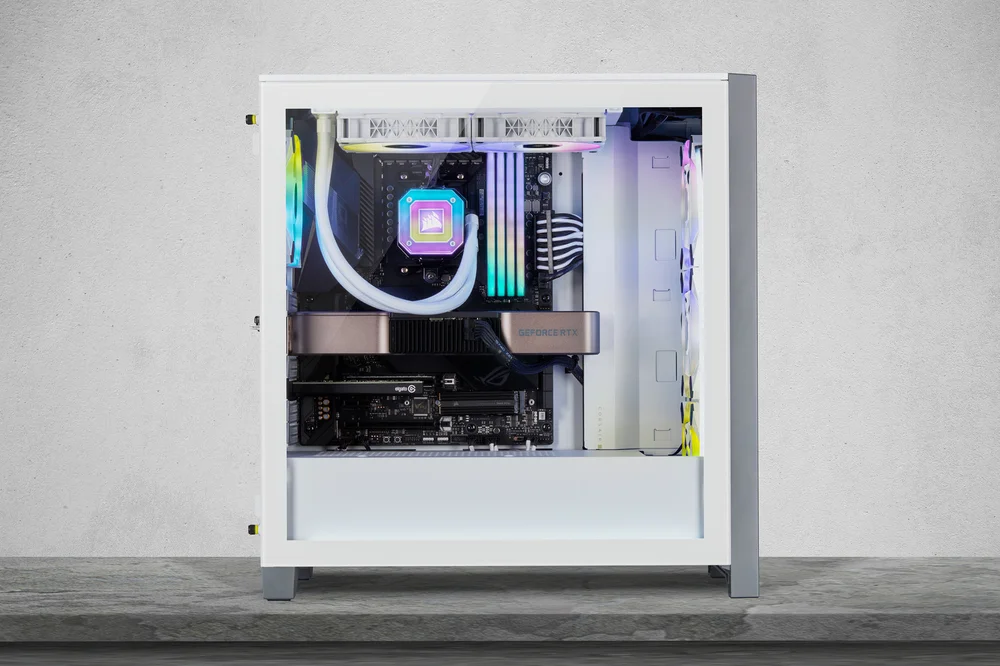
Building or buying a PC in 2026 feels a lot different than it did even two years ago. We are no longer just looking at raw clock speeds or core counts. The conversation has shifted toward AI acceleration, specialized “X3D” cache for gaming, and the transition to Windows 12.
If you are looking to build a new machine this year, you are hitting the market at a fascinating time. The “Blackwell” series from NVIDIA is now mature, and AMD’s AM5 platform has reached its peak with the 9000-series X3D chips.
This guide breaks down exactly what you need based on your goals, whether that’s high-end 4K gaming, AI development, or just a reliable home office setup.
The New Standard: Why 2026 is Different
For the last decade, 16GB of RAM and a 6-core processor were the “safe” middle ground. In 2026, that floor has moved. Several factors have pushed the baseline higher:
- The Rise of the NPU: Neural Processing Units are now standard in almost every new CPU from Intel and AMD. Windows 12 uses these heavily for background tasks.
- VRAM Demands: AAA games in 2026 are regularly hitting 10GB to 12GB of VRAM usage at 1440p.
- DDR5 Ubiquity: DDR4 is officially a legacy format. Every modern platform (LGA1851 and AM5) requires DDR5.
- DirectStorage 2.0: High-speed NVMe drives are no longer “optional” for gaming; they are a requirement to avoid stuttering in open-world titles.
The Desktop Spec Tiers for 2026
To give you a clear idea of where your budget should go, I’ve categorized the most common builds currently dominating the market.
1. The Budget King (1080p Gaming & General Use)
This is for the user who wants to play everything at 1080p High settings or 1440p Medium. It’s also the perfect “future-proof” office machine.
| Component | Recommended Part | Notes |
|---|---|---|
| CPU | AMD Ryzen 5 9600X / Intel Core Ultra 5 245K | 6-8 modern cores is the floor. |
| GPU | NVIDIA RTX 5060 (8GB/12GB) / AMD RX 9600 | DLSS 4.0 makes a huge difference here. |
| RAM | 16GB DDR5-5600 | 16GB is still “okay” for budget builds. |
| Storage | 1TB PCIe Gen 4 NVMe | Don’t bother with Gen 3 anymore. |
| OS | Windows 11 / Windows 12 | Windows 12 is recommended for NPU features. |
2. The Performance Sweet Spot (1440p Enthusiast)
If you want to play games like GTA VI (PC version) or the latest Cyberpunk expansions at high frame rates, this is your target.
| Component | Recommended Part | Notes |
|---|---|---|
| CPU | AMD Ryzen 7 9800X3D | The gold standard for gaming. |
| GPU | NVIDIA RTX 5070 Ti (16GB) | The 16GB VRAM is crucial for longevity. |
| RAM | 32GB DDR5-6000 CL30 | The “Sweet Spot” for latency and speed. |
| Storage | 2TB PCIe Gen 4/5 NVMe | Games are regularly 150GB+ now. |
| PSU | 750W 80+ Gold | Ensure it has the native 12V-2×6 cable. |
3. The Workstation & 4K Monster
This tier is for those doing 8K video editing, local LLM (AI) training, or 4K 144Hz gaming.
| Component | Recommended Part | Notes |
|---|---|---|
| CPU | Intel Core Ultra 9 285K / Ryzen 9 9950X3D | Massive multi-threaded performance. |
| GPU | NVIDIA RTX 5090 (32GB) | Total overkill for most, but essential for AI. |
| RAM | 64GB+ DDR5-6400+ | Vital for heavy creative workflows. |
| Storage | 4TB PCIe Gen 5 NVMe | 14,000 MB/s read speeds for huge assets. |
| Cooling | 360mm / 420mm AIO | These chips run hot under sustained load. |
Key Component Deep Dive
The CPU: Core Counts vs. AI Power (NPUs)
In 2026, we stopped looking just at the number of cores. The biggest change is the Neural Processing Unit (NPU). Both Intel’s Arrow Lake (Core Ultra) and AMD’s Ryzen 9000 series include dedicated AI hardware.
Windows 12 uses the NPU for “Recall” features, real-time translation, and AI-enhanced noise cancellation. If you buy a CPU without a capable NPU, you’ll find some OS features disabled or running poorly on your GPU, which wastes power.
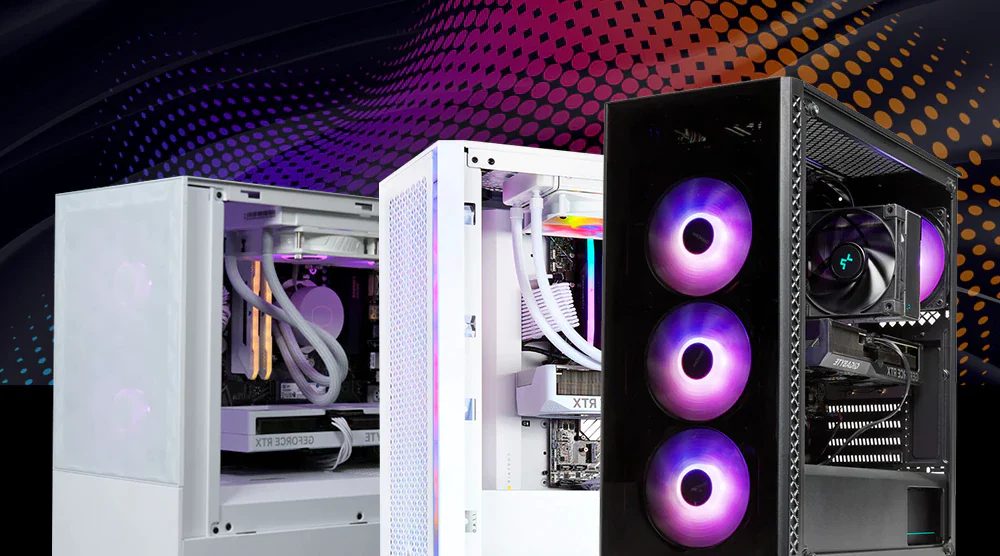
Which to choose?
- For Gamers: AMD’s X3D series (like the 9800X3D) remains undefeated. The massive L3 cache eliminates micro-stutters that even the fastest Intel chips can occasionally show.
- For Creators: Intel’s Core Ultra 7 and 9 are excellent for multitasking. Their “e-cores” handle background streaming and rendering while you work on other tasks.
The GPU: Why VRAM is the New King
We’ve seen a massive shift in how games use Video RAM (VRAM). In 2026, 8GB is considered “entry-level.” If you are buying a card for the next three years, do not buy anything with less than 12GB of VRAM.
NVIDIA’s RTX 50-series (Blackwell) has introduced GDDR7 memory, which is significantly faster than the old GDDR6X. This helps with high-resolution textures and complex ray-tracing calculations. According to TechRadar’s 2026 GPU Analysis, cards like the RTX 5070 are now the preferred choice for 1440p because they finally offer enough memory overhead for modern lighting engines.
Memory (RAM): Is 32GB the New 16GB?
Yes. In 2026, 32GB is the recommended baseline for a mid-range PC. Modern web browsers, background AI agents, and high-fidelity games can easily eat up 20GB of system memory.
While you can technically run Windows 12 on 8GB (the absolute minimum), you will experience “swapping” to your SSD, which slows the whole system down. For DDR5, aim for 6000 MT/s as it offers the best stability-to-performance ratio for both Intel and AMD platforms.
Storage: The Death of the SATA SSD
In 2026, SATA SSDs (the ones that look like small bricks) are mostly used for bulk storage of photos and videos. For your OS and games, an M.2 NVMe Gen 4 drive is the standard.
PCIe Gen 5 drives are now common and offer speeds up to 14,000 MB/s. However, unless you are transferring 100GB files daily, you likely won’t notice the difference between a Gen 4 and Gen 5 drive in daily gaming.
Windows 12 System Requirements
Microsoft released Windows 12 with a heavy focus on “AI PCs.” Here is what you need to run it smoothly:
- Processor: 1GHz or faster with 2 or more cores (8th Gen Intel / Ryzen 2000 or newer).
- NPU: Recommended for “Copilot+” features (40+ TOPS performance).
- RAM: 8GB minimum (16GB highly recommended).
- Storage: 64GB+ SSD (HDDs are no longer supported for the OS boot drive).
- TPM: Version 2.0.
Peripherals: Don’t Bottleneck Your Build
It is a common mistake to spend $2,000 on a PC and use a 1080p 60Hz monitor from 2018. In 2026, display technology has become much more affordable.
- OLED is Mainstream: 1440p 240Hz OLED monitors have dropped in price and offer the best HDR experience for gaming.
- DisplayPort 2.1: Ensure your GPU and monitor support DP 2.1 if you plan on 4K 240Hz+ gaming. This avoids the need for “Display Stream Compression” (DSC).
- Wi-Fi 7: Most mid-to-high-end motherboards now include Wi-Fi 7. If you have a compatible router, it offers near-wired speeds and much lower latency for wireless gaming.
Sources & Further Reading
For real-time pricing and benchmarks, I recommend checking these industry leaders:
- Tom’s Hardware: CPU & GPU Hierarchies 2026
- Digital Foundry: PC Performance Analysis
- Club386: Deep Dives into AM5 and LGA1851
Summary: The 2026 Checklist
If you are standing in a store or looking at a configurator today, here is your quick “Yes/No” list:
- Does it have DDR5? (It must. Do not buy DDR4 in 2026).
- Does the GPU have at least 12GB VRAM? (Recommended for 1440p).
- Does the CPU have an NPU? (Look for “Core Ultra” or “Ryzen AI”).
- Is the PSU ATX 3.1 compliant? (Important for the new GPU power connectors).
- Is there at least 1TB of NVMe storage? (Games are only getting bigger).
Building a PC in 2026 is about balance. You don’t need the most expensive parts to have a great experience, but you do need to make sure you aren’t buying “dead-end” technology from the previous decade.
